
AdSense's defined ad units do not display properly in mainland China, but display properly in other countries.

Release time:2024-04-20 14:52:37 Number of words:1524 Reading:12413Times

ton about the customized ad unit can't be displayed in China, other countries are displayed normally:

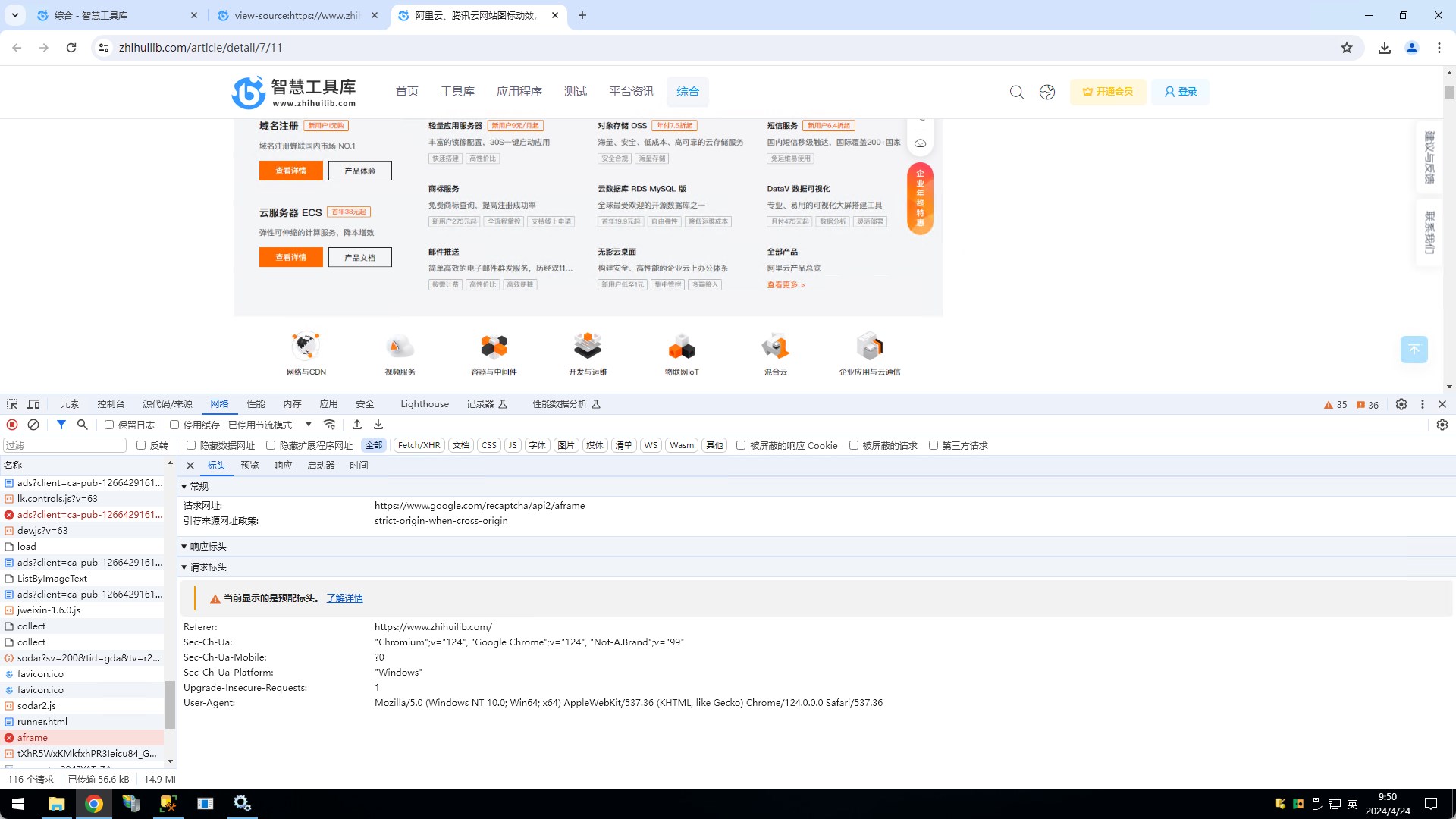
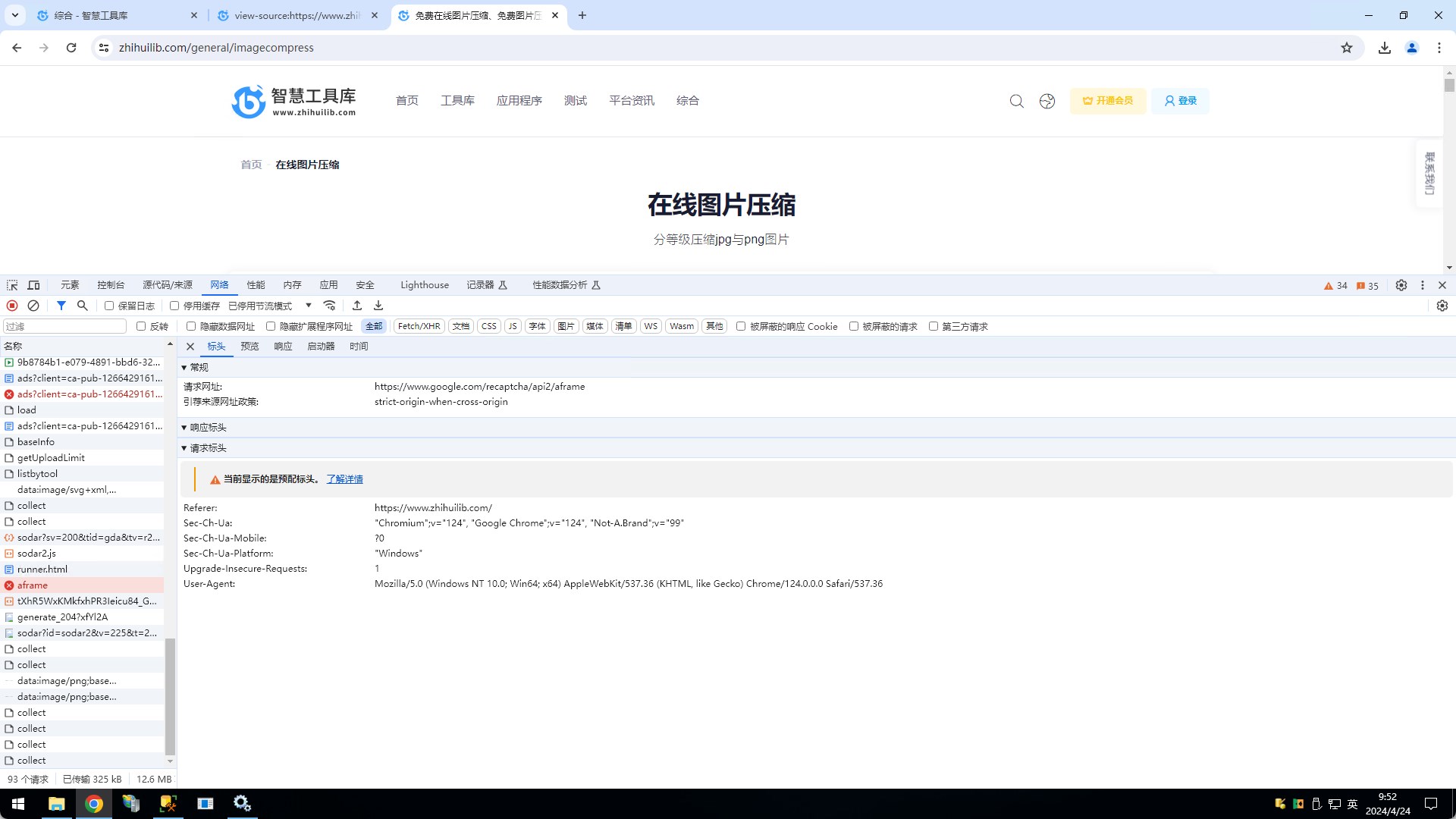
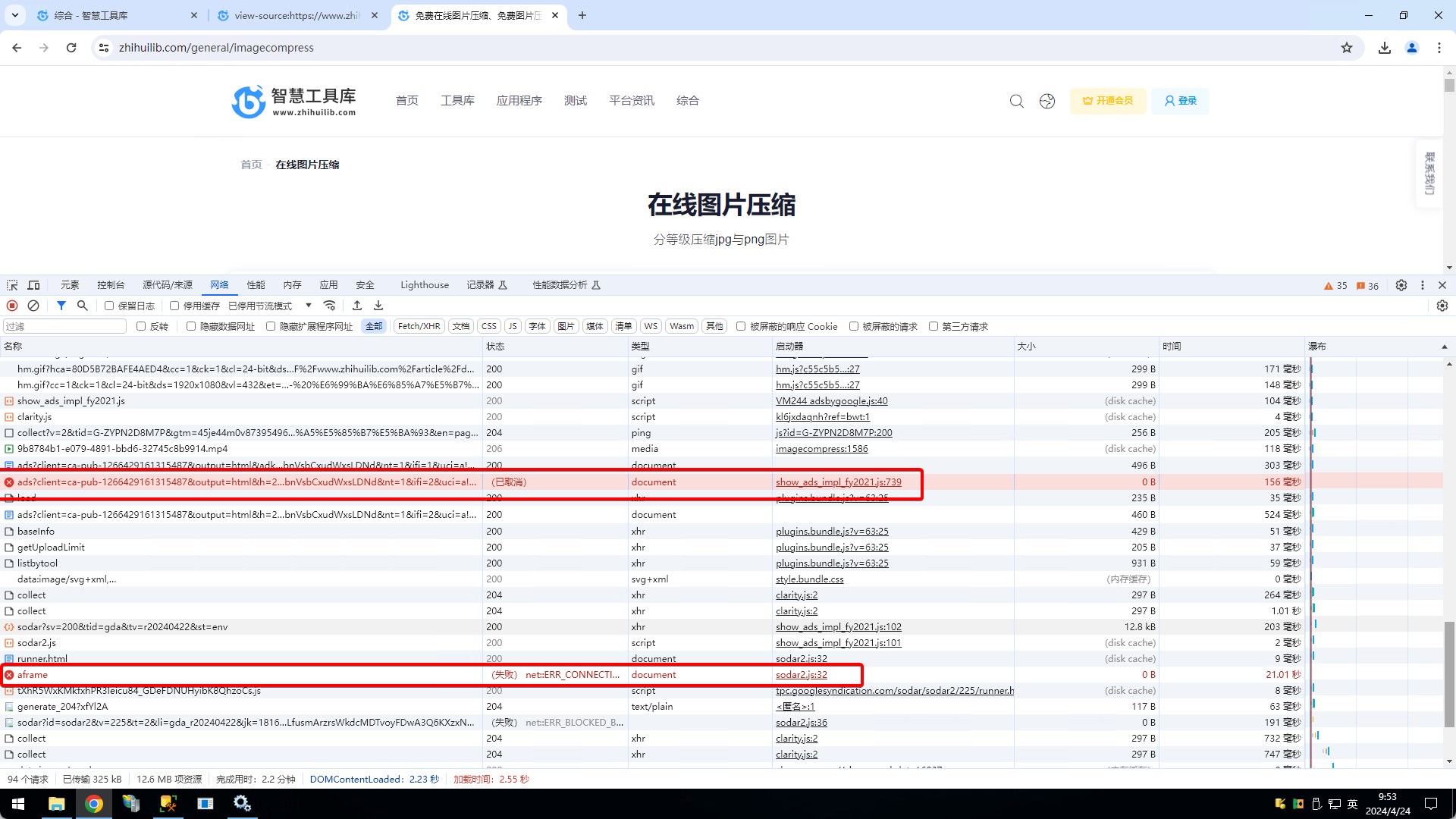
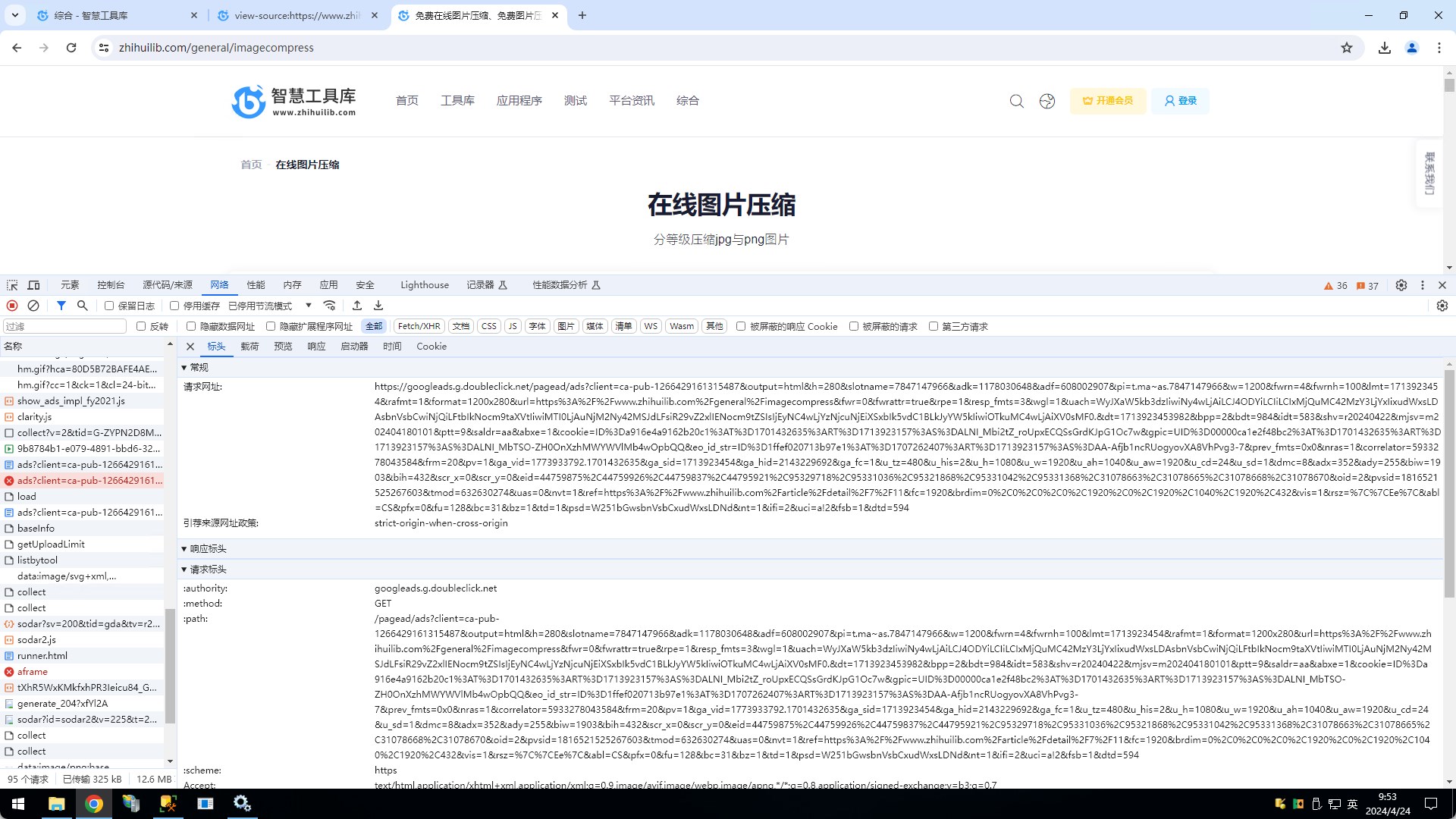
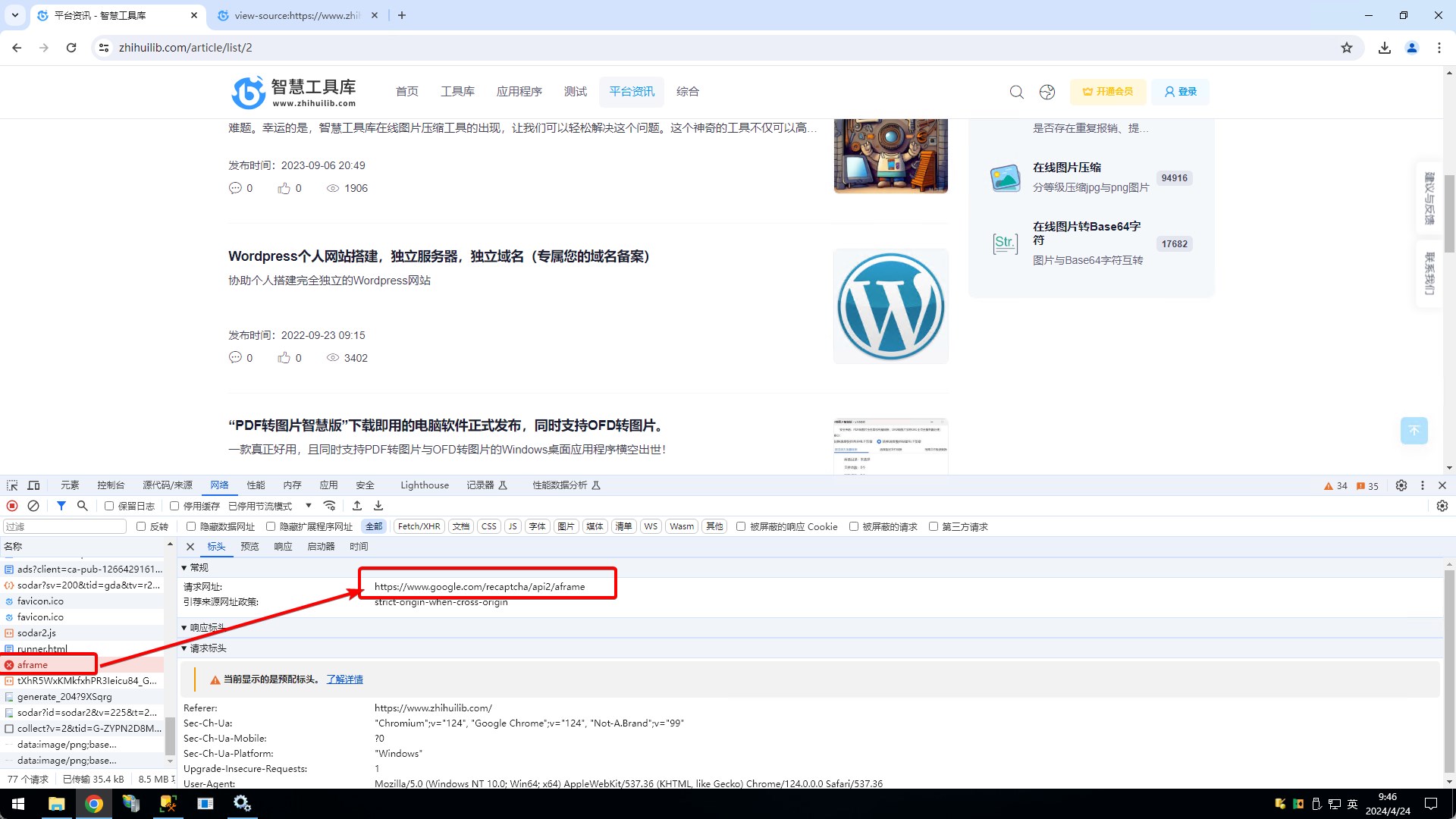
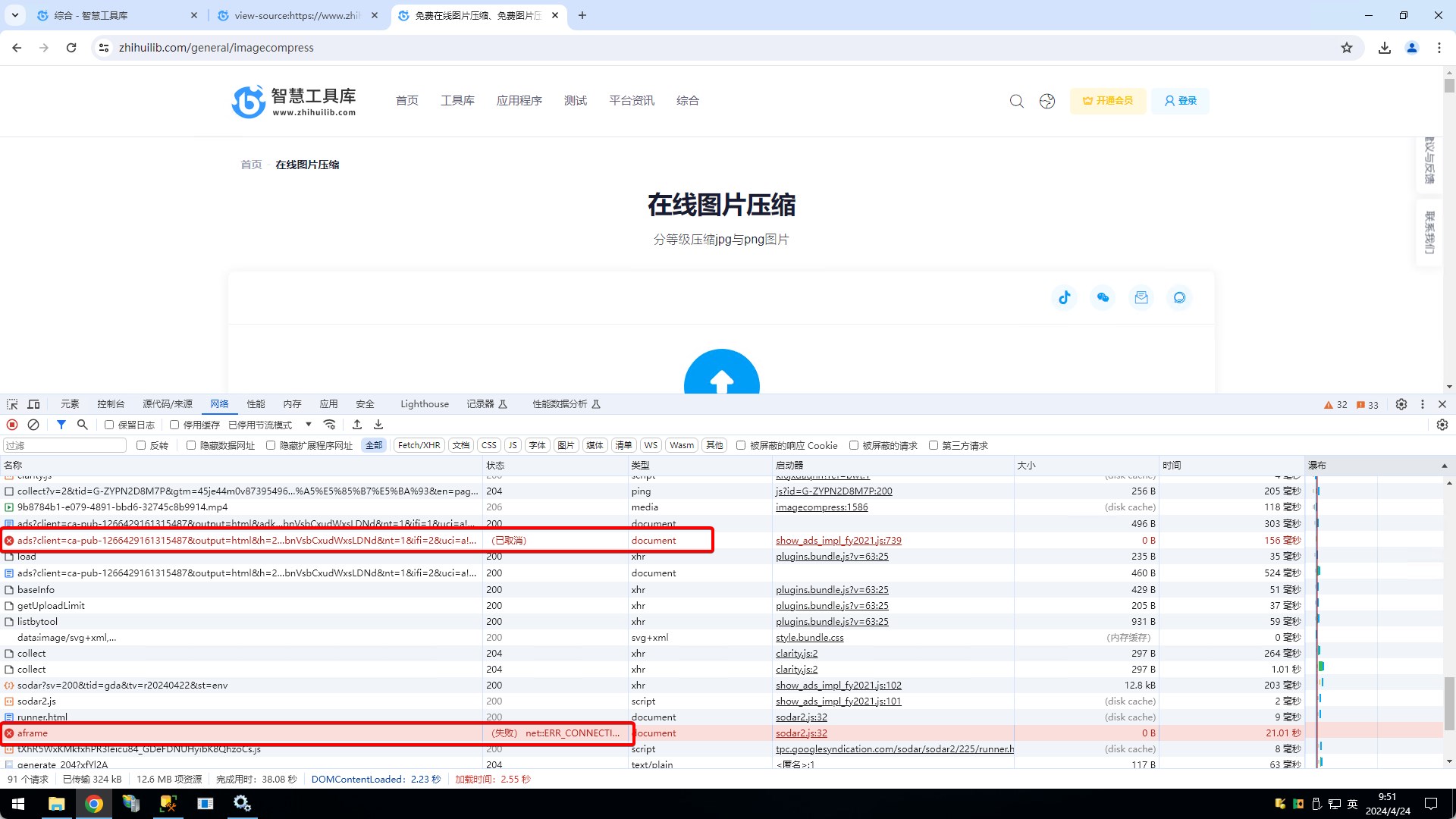
After introducing AdSense script, " https://www.google.com/recaptcha/api2/aframe "will be loaded automatically , but the script is not accessible in China.
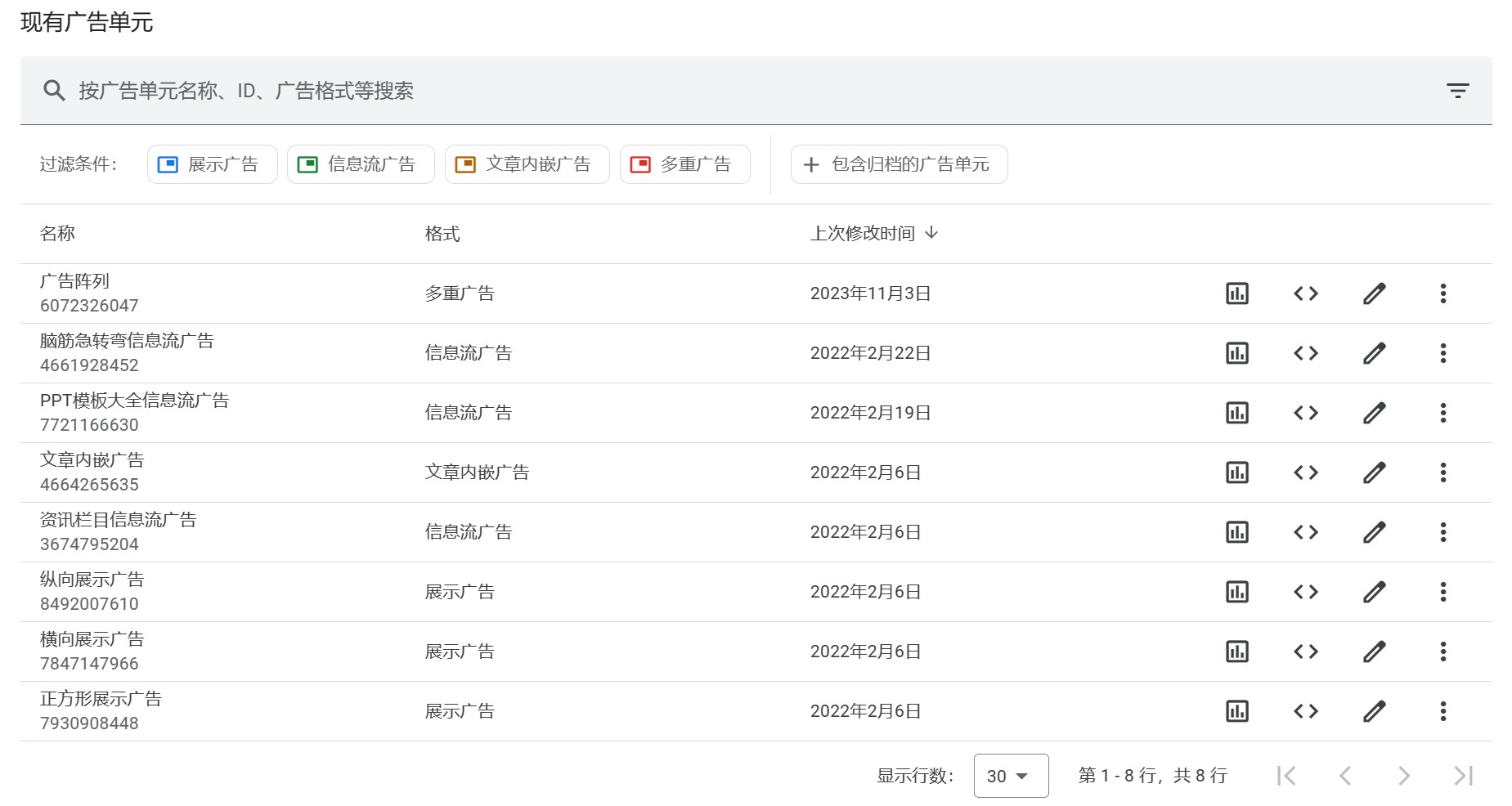
We have created the following ad unit in Google AdSense
Inserted in the following locations respectively:

1.Below the tool upload button

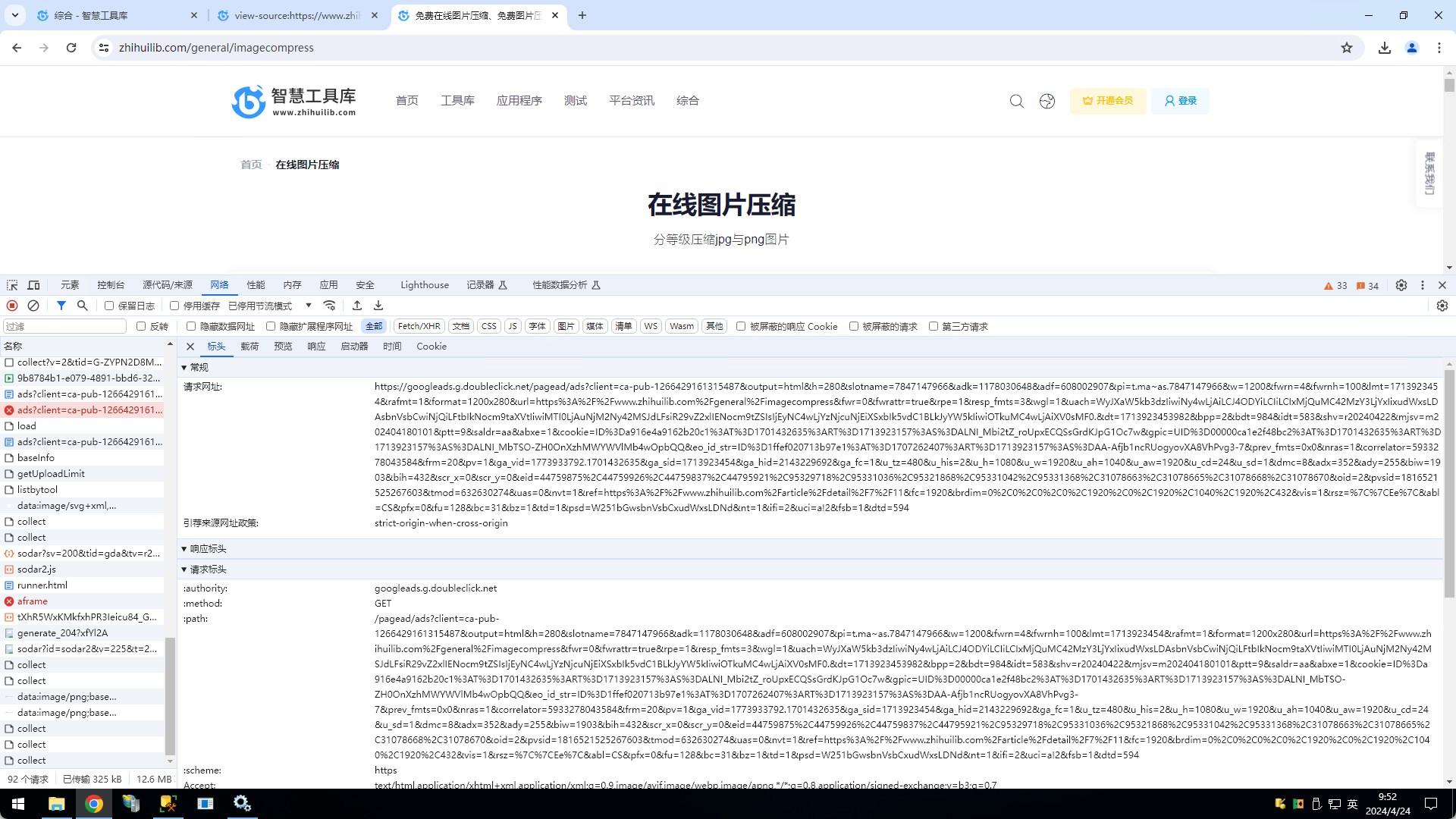
https://www.zhihuilib.com/general/imagecompress

https://www.zhihuilib.com/general/gifcompress

https://www.zhihuilib.com/general/pdfconvertimage

As the above link similar to the following position has been added to the ad unit, before August 2023 can be displayed normally, and after that has not been able to display, according to the official access document to modify a few times the access method, still can not be displayed.
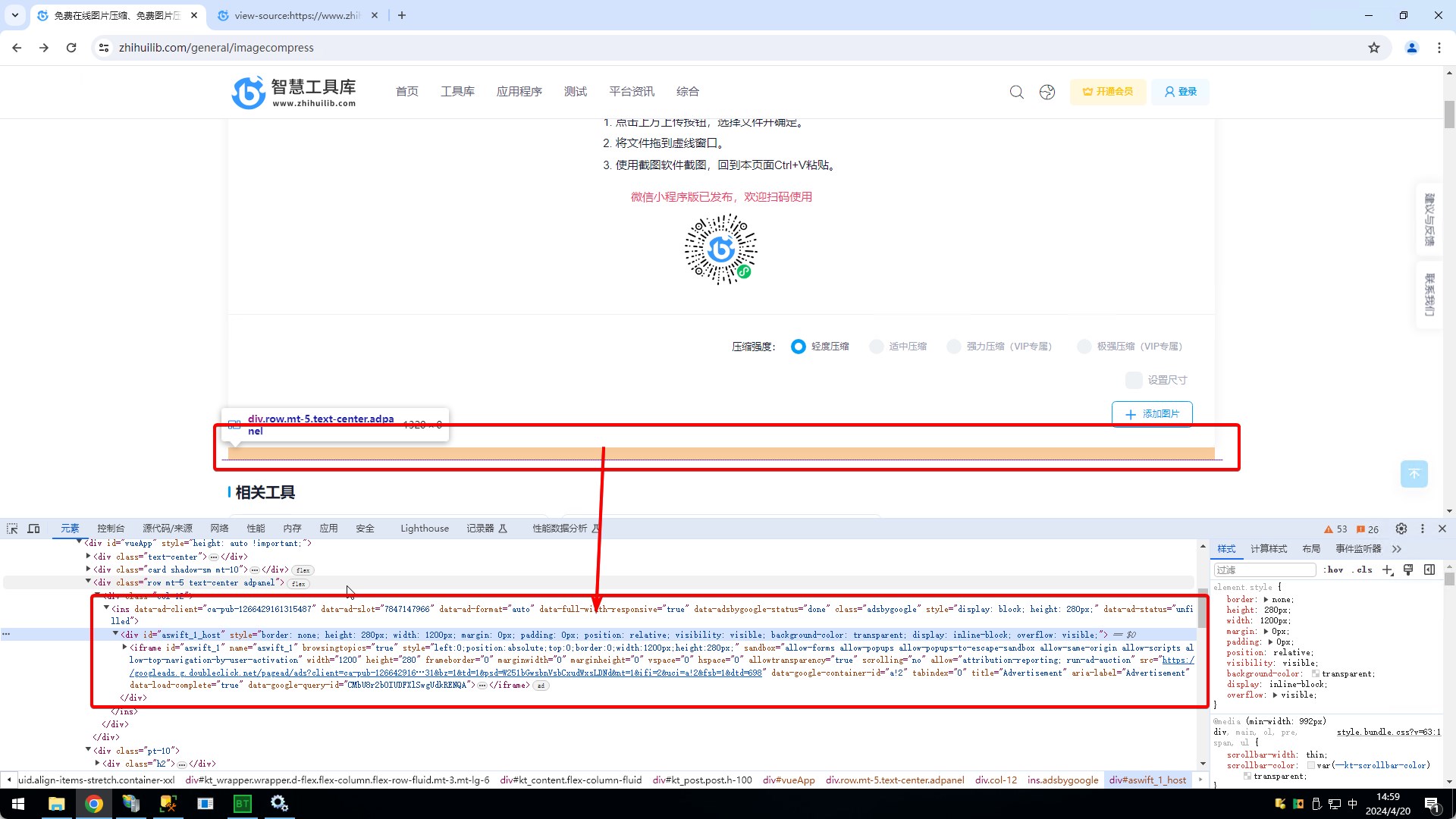
2.News listings, infomercials can't be displayed

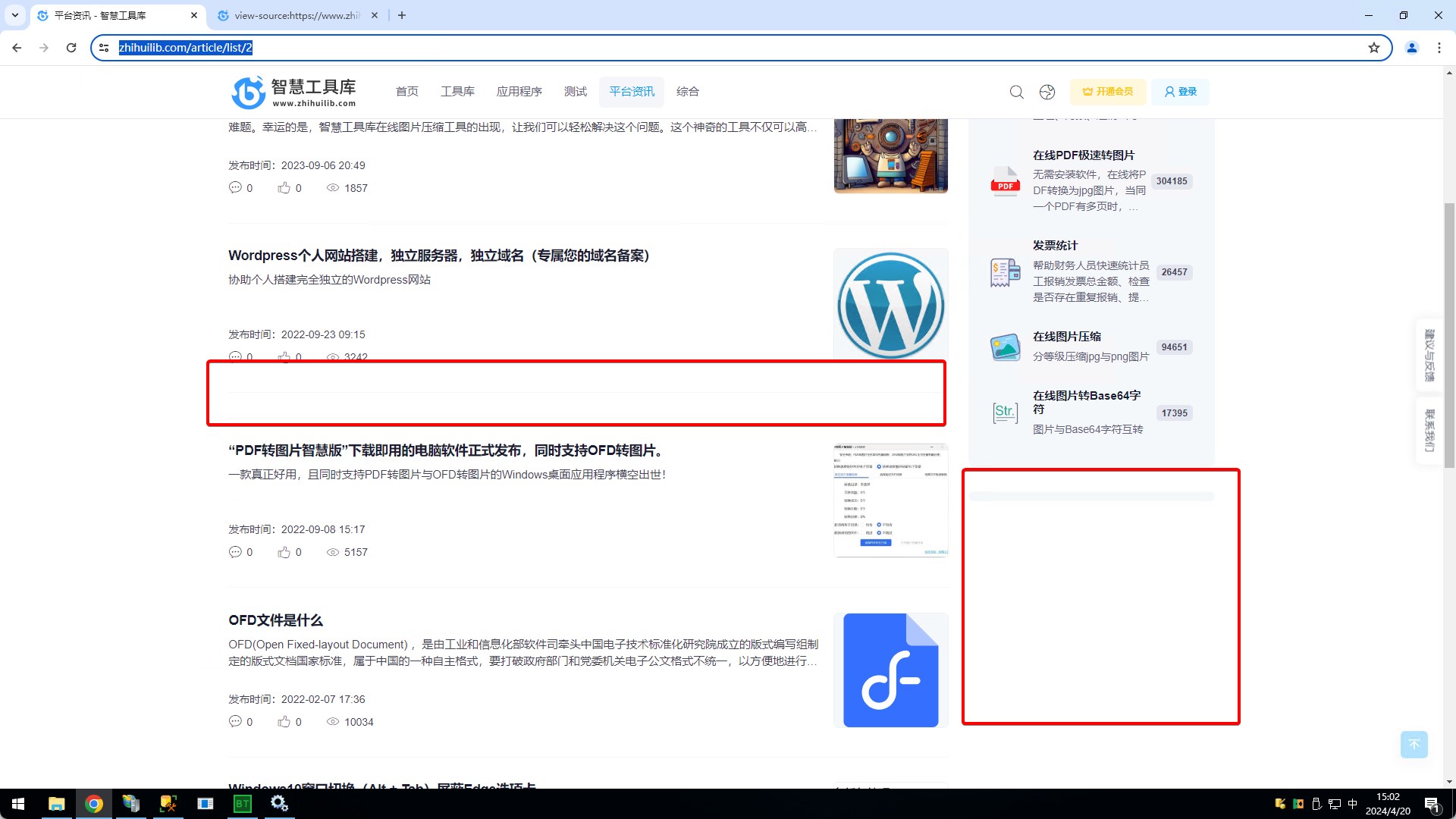
https://www.zhihuilib.com/article/list/2

The positions shown below are added with ad unit code, and can be displayed normally until August 2023, and have been unable to be displayed since then
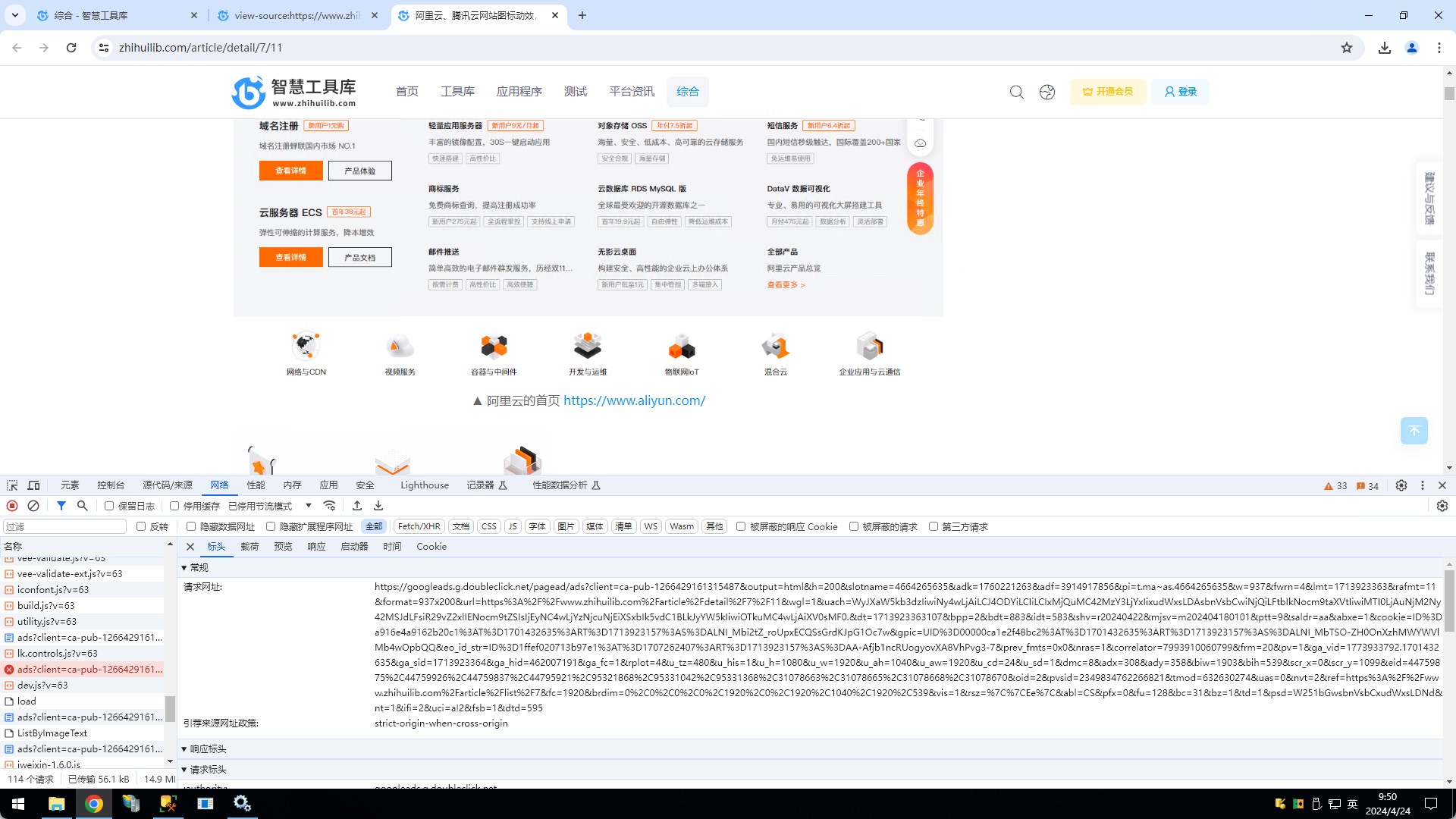
Through the developer tool, I found that "https://www.google.com/recaptcha/api2/aframe" will be loaded automatically after referencing AdSense , but this link is not accessible in China, I don't know if it has anything to do with this.
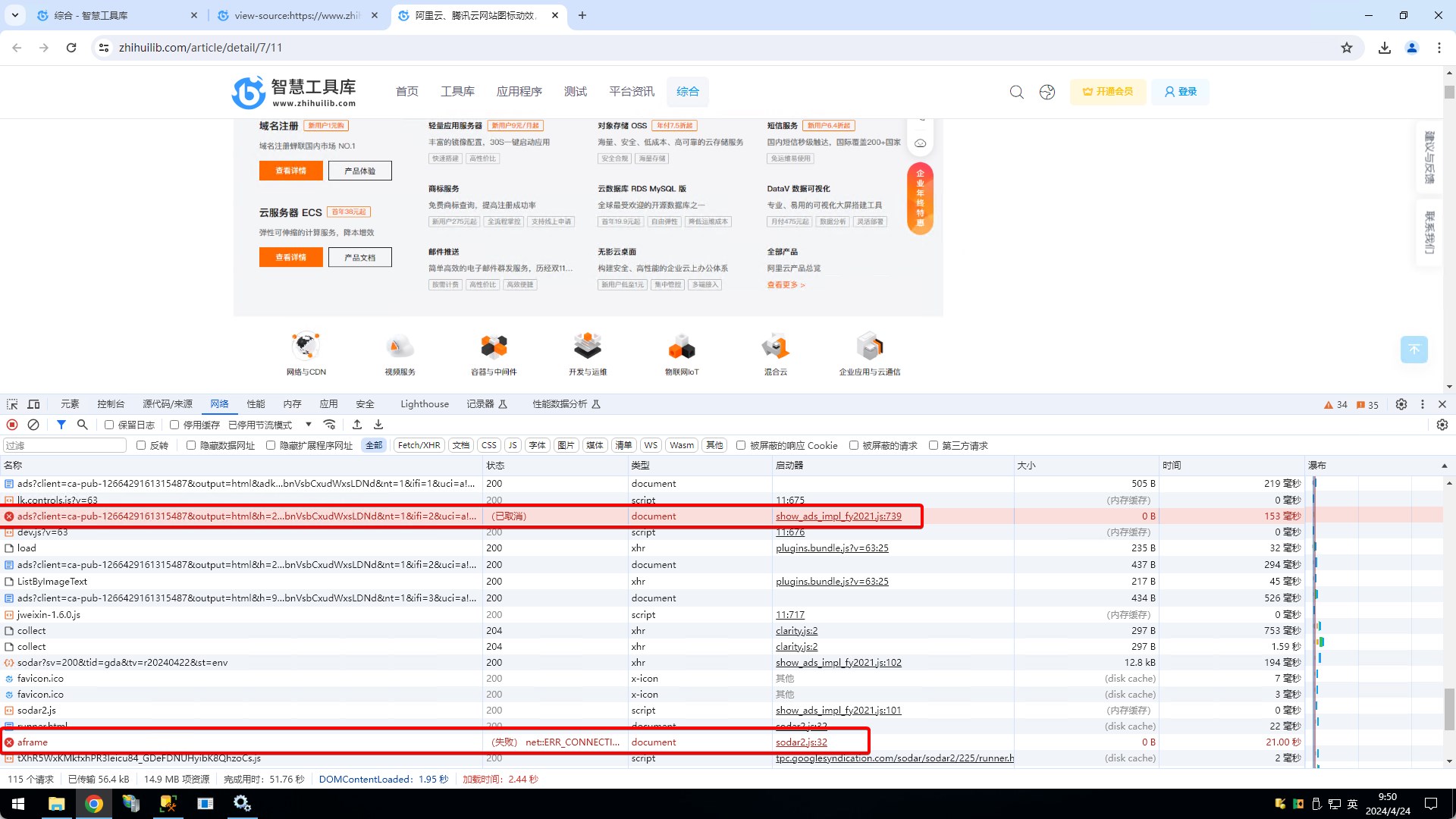
3.The news detail also adds the ad unit, but it can't be displayed in China either.

https://www.zhihuilib.com/article/detail/7/11
https://www.zhihuilib.com/general/imagecompress
Comments (0 of)

Related Reading

Google ads can not be displayed properly in mainland China, special problem mentioning

Self-employed high-performance discrete workstation computer for remote rental, processor 16 cores and 32 threads, RAM 96GB 3200MHz

Rented workstations for their own workhorses, non-commercial servers, interested in using the first trial, to meet the needs of the formal transaction, first use and then pay, not satisfied with no charge. The use of Windows comes with a remote desktop software link, no need to download a separate. If you need a higher configuration, welcome to chat privately.

Detailed steps to reinstall Windows 10 via USB flash drive

After pressing the computer boot button, continuously hit a key on the keyboard (depending on the brand of the key does not pass, see the table below), until the boot item selection interface appears, press the keyboard up and down arrow keys to select "USB1-1 (KingstonDataTraveler 3.0)", press the keyboard Enter key to confirm.

Windows 10 Window Switching (Alt + Tab) Masks Edge Tabs

The new version of Windows 10, press the keyboard Alt + Tab to quickly switch windows, it will switch in the Edge each tab, resulting in reduced efficiency, simple settings to solve related problems.

Professional Website Icon Maker

Smart Tool Kit online ICO conversion tool can quickly convert images to ICO icons for website use, supports 16px-512px multiple standard sizes and real-time rotation adjustments, easy to operate in three steps. No need to install professional software, completely free to use, is the ideal choice for website developers and designers to make favicon icon.

Suggestions and feedback Contact Us